
Your Old Kindle Isn’t Dead. You Can Keep Reading Even After Amazon Ends Support
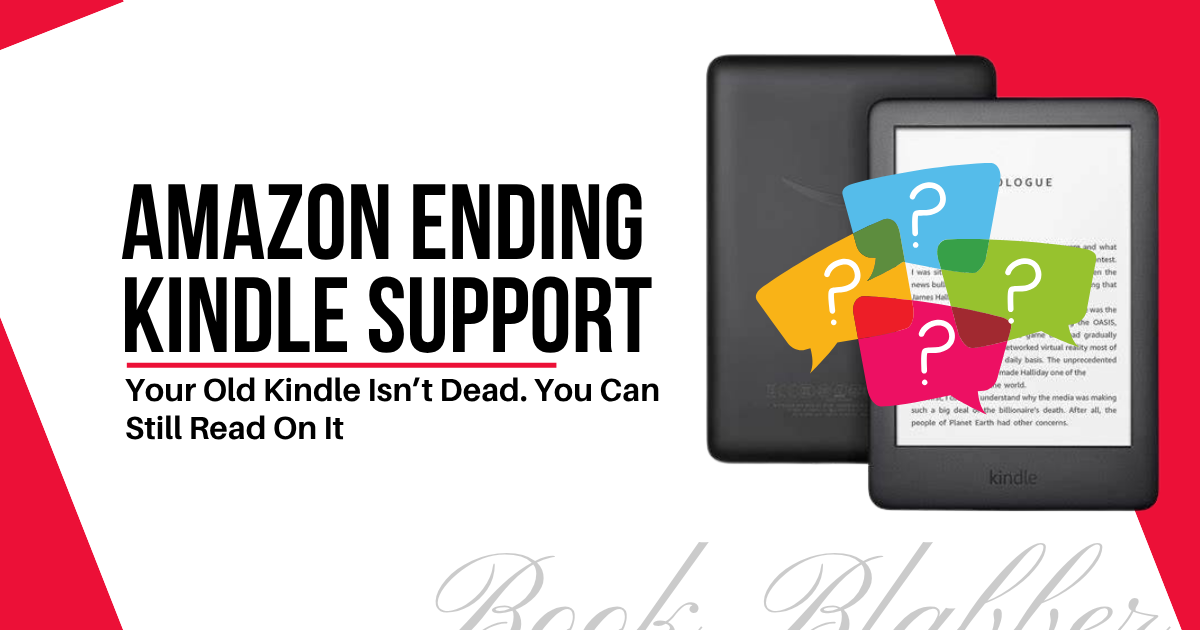
Amazon is ending support for older Kindle devices – the ones released in 2012 or earlier – starting May 20, 2026. For loyal readers who’ve held onto a Kindle since the early days of e-ink, this has been heartbreaking. Honestly, we all have grown dependent on Amazon, more or less, to read ebooks. Fret not, the situation is much more manageable than it sounds.
Even though some things are gonna change, your device isn’t going to switch off at midnight. Your books aren’t disappearing. And you still have options to keep reading on your old Kindle even after Amazon ends support.
So, let’s see what you can do after Amazon discontinues Kindle support.
[Disclosure: Bear in mind that some links in this post are affiliate links. And when you go through them and make a purchase, I will earn a commission.]
Which Kindle Devices Are Affected?
Thirteen Kindle devices in total are expected to lose Amazon support May 20, 2026 onwards. This includes nine Kindle e-readers and four Kindle Fire tablets, all manufactured between 2007 and 2012. It doesn’t matter when you actually bought them, Amazon is pulling the plug.

Will Your Kindle Stop Working?
No. What Amazon means is that you’re losing access to the Kindle Store — the online Amazon shop for Kindle ebooks. After May 20, 2026, you won’t be able to browse for new books, make purchases, or download titles directly to those older devices. That’s it.
Every book you’ve already downloaded stays exactly where it is. You can read it tomorrow, next year, five years from now. Nothing is being taken from your library.
But yes, if you ever factory-reset your device after the cutoff date, you’ll lose access to those books. You won’t be able to re-register it with your Amazon account.
So, it’s just that your Kindle is becoming an offline reader, kind of. Not a useless one.
Can I Still Use My Old Kindle?
Absolutely, you can. You just have to stick to alternate ways. You might actually prefer it this way. I have seen readers asking for offline e-ink devices for reading. And with a non-functioning store, your old Kindle might just be the one. It might just become the “purest reading device” you own (if that’s a thing). It’ll do exactly one thing... it’ll let you read.
You Can Sideload Books and Read...
Even without the Kindle Store access, you can “sideload” books onto your Kindle and road. You can buy and download eBooks to your Kindle device from non-Amazon sources. And it’s possible even after Amazon has stopped supporting your old Kindle model.
To sideload books on your Kindle:
i) Connect Kindle to your computer using a cable.
ii) Your Kindle shows up as a folder. Open it.
Iii) Look for the “Documents” folder inside it.
iv) Copy-paste or drag-and-drop your ebook file into it.
v) Eject, disconnect and the book appears in your device library.
Only the MOBI ebook files are best supported by these Kindles outside the Amazon ecosystem. You can also sideload EPUB, PDF, DOC or TXT format file on your Kindle, but they’re mostly hit or miss as far as reading experience is concerned.
PS... If you’re feeling a bit naughty, you can “jailbreak” your Kindle and install the KOReader app. It unlocks more ebook formats and features. But the process can be messy and risky.
If you plan to sideload regularly, you can use Calibre on your computer to convert ebook files into a Kindle-supported format. It also works as a library manager, keeping all your ebooks organised in one place. You don't need it to sideload, but it’s a good tool for ebook management.
How to Get Free Books for Your Kindle (Legally)?
While many non-Amazon stores offer ebooks, even free, those ebooks maybe just locked to their own platforms with DRM (Digital Rights Management). What you need are DRM-free ebooks, which you can download as a file and put on any device you like.
Here are some of the best places to get free books for Kindle:
- Project Gutenberg – Project Gutenberg has over 70,000 public domain titles, completely free. The classics are all here – Jane Austen, Charles Dickens, or the latest all the rage, Fyodor Dostoyevsky.
- Standard Ebooks – Standard Ebooks also holds the public domain titles, painstakingly typeset to modern standards. They’re formatted beautifully, smoothing out all the rough edges. Still, free to read.
- Smashwords – Smashwords is a long-standing home for indie books. All ebooks sold here are DRM-free, available in multiple formats... with a generous selection of free titles too. Ideal if you love discovering new voices.
- Weightless Books – Weightless Books is another curated DRM-free store devoted to independent presses – speculative fiction, literary magazines, small press releases, etc. If you lean towards SFF or literary fiction, bookmark this one.
- Gumroad & Payhip – Gumroad & Payhip are two popular platforms where many indie authors sell their ebooks directly. So, you can pay for the book, download the file, and put it on your Kindle. Buying here also means more money goes directly to the author.
If you follow indie authors on social media or through newsletters, check whether they sell direct. A lot of them do, and they’ll often have DRM-free files available. It’s one of the best ways to support writers whose work you love while also keeping your digital library yours.
You Can Even Go to ARC Platforms...
If you want to go a step further, ARC (Advance Reader Copy) platforms let you read books before they’re officially published – in exchange for an honest review. It’s one of the most rewarding corners of the reading world. The files you receive are almost always DRM-free and available for multiple devices.
Here are some ways to get free ARCs:
- NetGalley – NetGalley is probably the biggest name in the world of ARCs. You’ll find everything from major publisher releases to indie titles. And the more reviews you write, the better your approval rate for future requests.
- BookSprout – BookSprout is another good platform to start if you’re new to the ARC world. It’s more accessible than NetGalley, with a low barrier to entry. Better chances of receiving requested titles.
- BookSirens – BookSirens is an indie-friendly ARC platform. Although books are available in different genres, it mostly leans towards romance, fantasy and mystery/thriller. Anyway, it’s great for discovering new authors before the rest of the world catches up with them.
- Edelweiss+ – Edelweiss+ is an industry-facing and a bit more formal kind of ARC platform. Although it was originally built for librarians, booksellers and publishing professionals, it’s worth signing up if you take reviewing seriously.
- BookFunnel – BookFunnel is less a marketplace and more a delivery system. Many indie authors use it to send ARCs directly to newsletter subscribers. So, it’s an excellent way to access your approved ARCs and read on Kindle.
- StoryOrigin – StoryOrigin is a similar not-a-public-marketplace ARC platform Authors here invite their own readers rather than opening requests to everyone. A platform worth signing up for.
- Author Newsletters & PR Teams – Many authors (especially indie ones) send out ARCs directly to their newsletter subscribers or through a small PR team managing their launch. If there's an author whose work you follow, signing up for their newsletter is often the most direct route to an early copy.
ARC reviewing is how many readers build genuine relationships with authors. You read something early, you write a thoughtful review, and sometimes that turns into a long-time bonding. For indie authors especially, that kind of early support matters more than you might think.
Should You Buy a New Kindle?
Maybe. It depends on what you actually want from your reading life.
Consider upgrading if you actively buy ebooks from the Kindle Store and want that to continue seamlessly. And you want a backlit screen, adjustable warmth, or a waterproof body – features the older models never had.
But don’t rush if you’re comfortable sideloading books from different sources and aren’t bothered by the loss of store access.
Kindle Paperwhite might be a good upgrade for you if you want a new Kindle.
Whatever you decide, don’t feel rushed. On May 20, 2026, Amazon is just revoking Kindle Store access for older devices. It’s not killing them. So, take your time.
PS... Kobo devices are worth a serious look if you don’t mind switching ecosystems altogether. They support multiple ebook formats. Kobo Clara Colour might be a fitting upgrade.
Wrapping It Up
It’s true that Amazon is phasing out your old device. But that's not unique to Amazon. Every tech company eventually ends support for older hardware. Apple does it, Google does it, Microsoft does it. It's the nature of the industry.
What matters is what you do next. As you now know, you have plenty of options to continue reading on your Kindle even if Amazon ends support for your old Kindle.
You can think of your Kindle now as a distraction-free reading device with no store and (possibly) no overwhelming recommendations. That’s not a bad place to be. Now, it’ll just be you, a book, and a screen that does just one good thing.
Join Book Blabbers WhatsApp group to bond over books, memes and quotes.
Subscribe to Book Blabber's Bulletin to get book summaries, reading tips and occasional hugs in your inbox.
[Disclosure: Bear in mind that some links in this post are affiliate links. And when you go through them and make a purchase, I will earn a commission.]
Comments